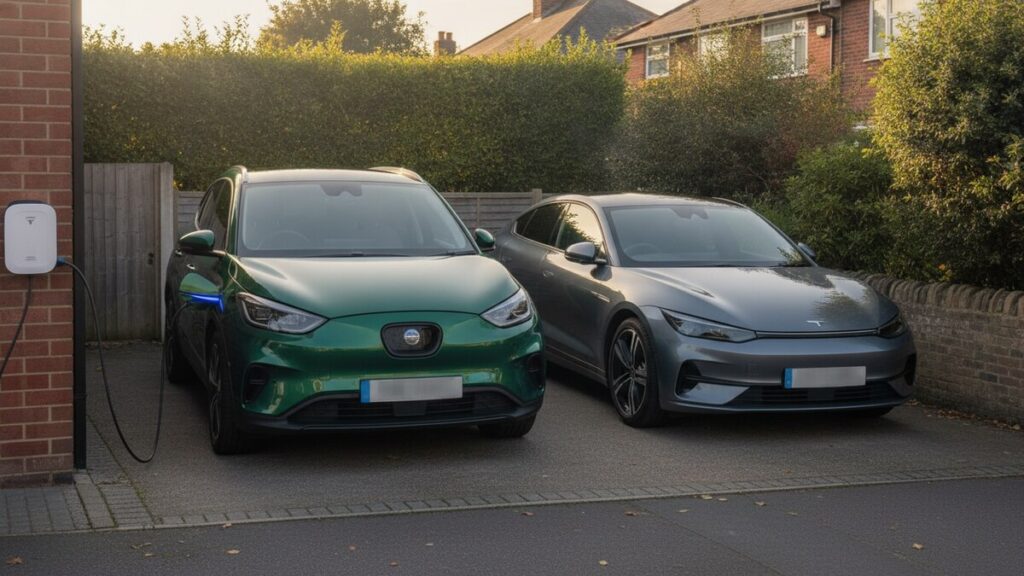
One EV is a spreadsheet. Two is a filing problem. The moment a second electric car joins the household, every question you used to answer easily — what’s our cost per mile? which charges were for which car? — needs an extra column, and most tracking setups quietly fall apart. Amperlo treats multiple vehicles as a first-class case rather than an afterthought, and this post walks through how it works in practice.
What the plans allow
The free tier covers one vehicle end to end — sessions, mileage, meter readings, savings versus petrol, with no card required. The Base plan at £4.99/month raises that to three vehicles and adds the paid features (AI receipt parsing, email intake, trips and the maintenance ledger) across all of them. Need more than three? Additional vehicle slots are £1.99/month each, added from the Billing page, so a small fleet grows a slot at a time rather than forcing you onto some enterprise tier.
Adding a car and switching between them
You add a vehicle from the vehicle settings — make, model, registration, the usual. As soon as your account has two or more active vehicles, a vehicle switcher appears in the sidebar. Whichever vehicle is selected there is the one every screen shows: the Dashboard’s cost-per-mile figures, the Sessions list, Analytics charts, the Costs page, odometer history — all of it is scoped to the active car.
That scoping is the important design decision. There’s no “combined household” mush in which a cheap-to-run city car hides an expensive one. Each vehicle carries its own charging history, its own odometer trail, its own maintenance ledger, its own petrol-baseline comparison, and its own total cost of ownership, computed from its own records only. When it’s time to decide which car does the motorway commute, you’re comparing two real per-mile figures, not one blended average.
Receipts that route themselves
Multi-vehicle accounts get one genuinely handy extra on the email intake. Every account has a receipt-forwarding address of the form receipts+<token>@amperlo.com; with several cars, you also get per-vehicle addresses — receipts+<token>.<plate-slug>@amperlo.com. Forward a charging invoice to the per-vehicle address and it lands against that specific car regardless of which one is currently active in the app.
This matters more than it sounds. In a two-driver household the person forwarding a receipt is often not the person who has the app open, and the car being charged is often not the one selected in the sidebar. Per-vehicle addresses mean each driver can save a contact once — “Amperlo (Kona)”, “Amperlo (Model 3)” — and never think about routing again.
Selling a car: history stays, the plate frees up
Cars leave households. When one does, you don’t want to choose between keeping a dead vehicle cluttering your switcher and deleting years of records you might need for a tax return or a warranty dispute.
Amperlo’s answer is a soft delete. Removing a vehicle takes it out of your active list and your switcher, but preserves its entire history — the purchase record, valuations, every charging session, maintenance entries, prepaid blocks, meter readings, odometer readings and trips all stay intact. Nothing is destroyed; the car is simply retired.
There’s a subtle detail here that anyone who has replaced a car like-for-like will appreciate: when a vehicle is retired, its registration is released. If you replace a car and the new one inherits the same plate — common with private registrations — you can add the replacement with that plate immediately. The retired car keeps its history under the old identity; the new car starts a clean logbook under the same registration. Two cars, one plate, no conflict, and crucially no temptation to keep logging the new car’s charges against the old car’s records just because the plate matched.
One account, one household
All of this hangs off a single account and a single subscription. There’s no per-driver pricing and no juggling of logins per car: the vehicles live side by side, the switcher moves you between them in one tap, and each screen always tells you exactly whose numbers you’re looking at. For a small business running two or three electric vans the same structure works unchanged — per-vehicle cost records with the VAT split preserved on every public charge, ready for the accountant.
The paid features follow the same per-vehicle discipline. Trips are saved against a specific car, so “the Cornwall run” reports the miles and charges of the vehicle that actually made it. The maintenance ledger keeps each car’s services, tyres, MOT and insurance in its own file — which is exactly how a buyer, an accountant or a warranty claim will want to see them.
Practical habits that help
- Check the switcher before manual entries. Emailed and per-vehicle-address receipts route themselves, but a manually logged session lands on the active vehicle. A one-second glance at the sidebar saves an edit later.
- Set up the per-vehicle email addresses on day one. Save them as contacts on both drivers’ phones and mis-filed receipts essentially stop happening.
- Log odometer readings per car, little and often. Cost per mile is only as good as the mileage trail behind it, and with two cars it’s twice as easy to forget one.
- Retire, don’t agonise. When a car goes, retire it the same week. Its history is preserved and its stats stop moving, which is exactly what you want for a final “what did that car really cost us?” reckoning.
Whether it’s two family cars on the driveway or a handful of vans on a job, the principle is the same: every vehicle deserves its own honest numbers. Start with one car free at amperlo.com, and add the rest of the household when they’re ready.
